Reliable Wi‑Fi. Less buffering. Better coverage. Built for performance.
Better Home Wi‑Fi is for people who want their internet to just work—without guessing, overbuying, or fighting constant connection issues.
Most home Wi‑Fi problems aren’t caused by slow internet plans. They’re usually caused by poor access‑point placement, radio interference from nearby networks, outdated hardware, or setups that don’t scale well as device counts grow.
We keep things practical: coverage first, then stability, then performance. That means focusing on signal reach across rooms, device load handling, latency sensitivity (gaming/streaming), and the few settings that make the biggest difference.
Good news: most Wi‑Fi problems are fixable without buying the most expensive router. Start with the guide that matches your home.

Start with your situation
Pick the guide that matches your home—then follow the steps.
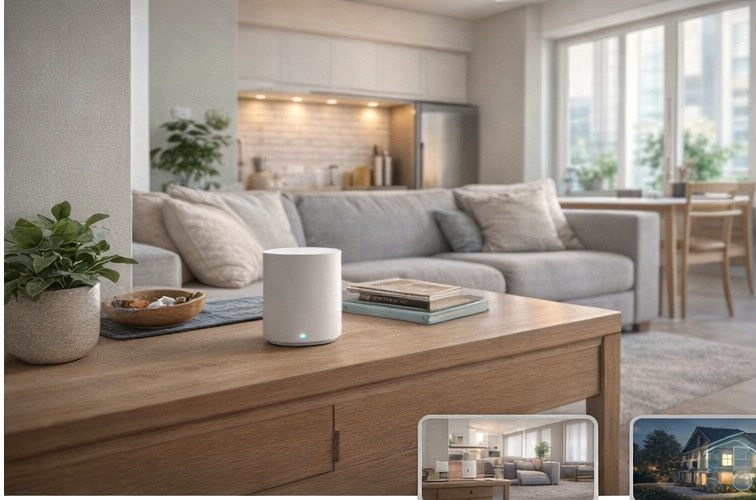
Best Wi‑Fi Routers for Apartments
Beat apartment interference with the right router class, placement, and a few settings that matter.
Open the apartment guide →
Mesh Wi‑Fi That Actually Works
Node placement + backhaul basics to stop the “works here, not there” problem.
Open the mesh guide →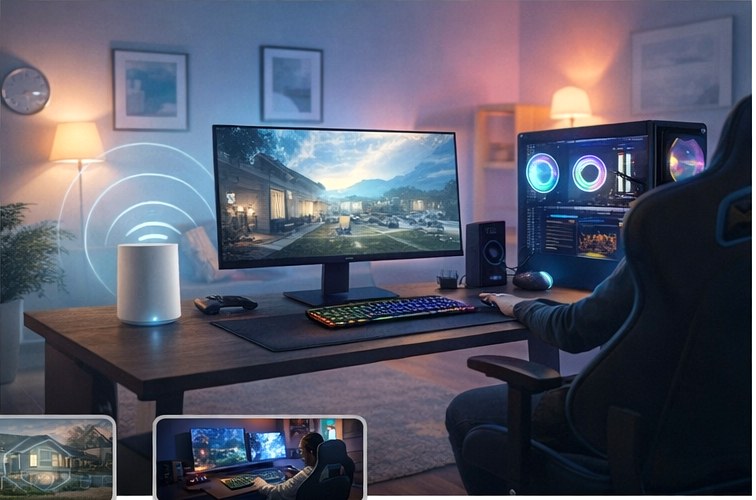
Smooth Streaming + Low‑Lag Gaming
Cut ping spikes and buffering with a few network-first changes (often better than buying pricier gear).
Open the streaming/gaming guide →How the guides work
A simple flow you can follow even if you’re not “a tech person.”
Choose the right approach
Most homes need either (a) one solid router placed correctly or (b) a simple mesh setup. We help you pick—without overbuying.
Set it up with confidence
We focus on the few settings that actually matter—plus placement tips that fix the majority of Wi‑Fi headaches.
Wi‑Fi fundamentals (quick, useful)
Short explanations that make the guides easier—and help you spot hype.
Why these setups are recommended
Many Wi‑Fi issues aren’t caused by your internet plan—they’re caused by coverage gaps, interference from nearby networks, or hardware that isn’t suited to the space. That’s why the recommendations here prioritize stability and coverage over “headline speeds.”
In real homes, wall density, apartment congestion, client device count, and access‑point coordination have a bigger impact on daily performance than peak throughput numbers. We focus on what holds up when your household is actually using the network.
What to look for in a home Wi‑Fi system
- Coverage vs. floor plan: layout and wall materials matter more than “square feet” ratings.
- Interference environment: apartments need better congestion handling and smarter channel behavior.
- Router vs. mesh: mesh extends coverage, but node spacing and backhaul (wired or wireless) determine results.
- 2.4 GHz vs. 5 GHz: 2.4 GHz reaches farther and penetrates walls better, but it’s more crowded and prone to interference. 5 GHz is typically faster with lower latency, but has less range. A good setup uses each band where it performs best.
- Latency sensitivity: gaming and calls care about consistent latency and stability, not just download speed.
- Longevity: systems that support additional nodes or wired backhaul tend to age better as you add devices.
Simple setup checklist
- Place the router centrally (not behind a TV, not inside a cabinet).
- Go higher (a shelf is better than the floor).
- Use 5 GHz for phones/laptops/TVs when close enough; keep 2.4 GHz for long‑range and many smart‑home devices.
- Update firmware and reboot monthly (sounds boring, helps a lot).
- Wire what you can (PC/console/streaming box) to reduce latency and random spikes.
- Mesh tip: place the first node closer to the router than you think—strong node‑to‑node signal is everything.
Transparency
Some pages may contain affiliate links. If you buy through them, we may earn a small commission at no extra cost to you. This helps keep the site running and guides up to date.